Virtual PCIT Session Set-up
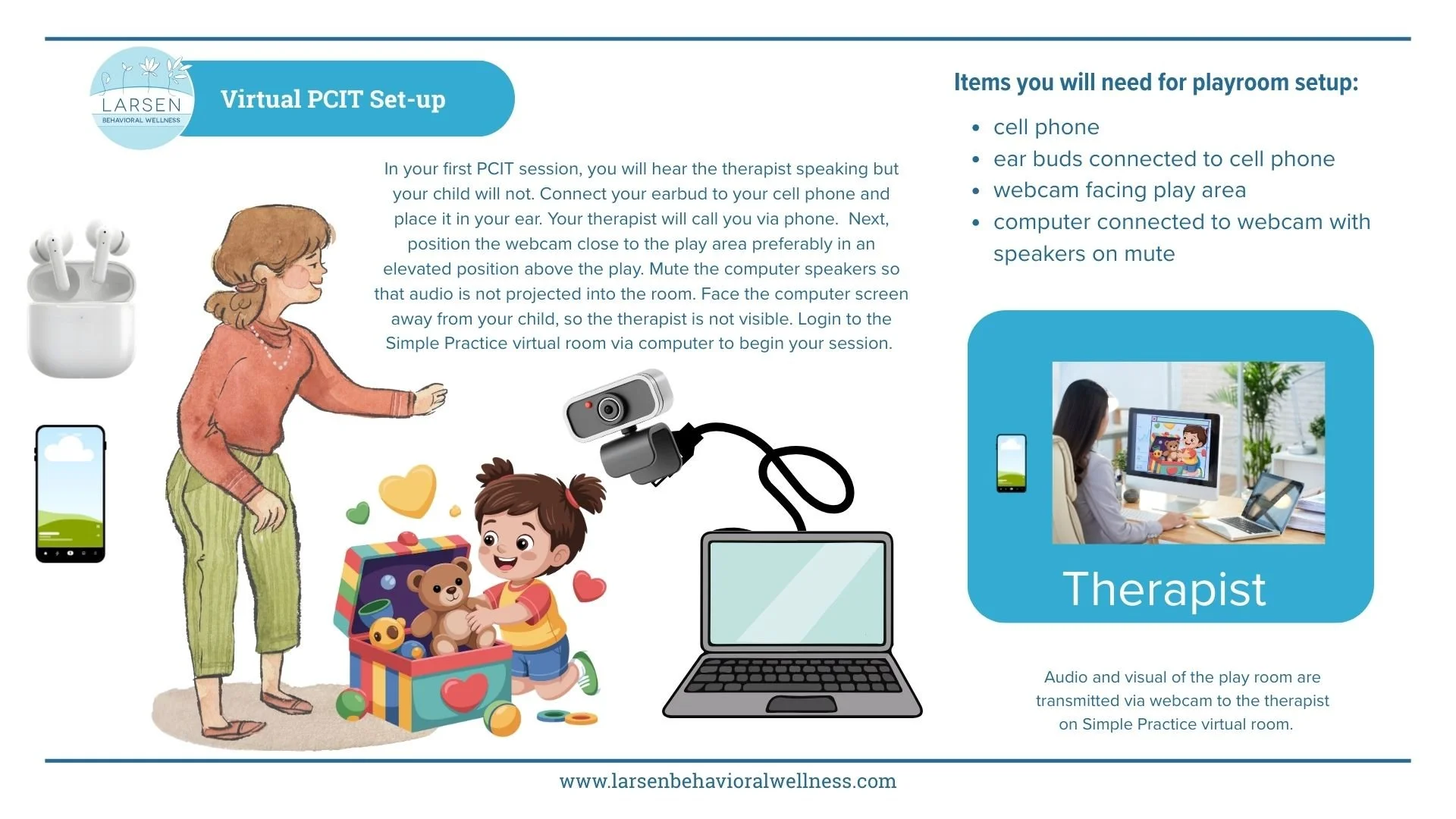
In your first PCIT session, you will hear the therapist speaking but your child will not. Connect your earbud to your cell phone and place it in your ear. Your therapist will call you via phone. Next, position the webcam close to the play area preferably in an elevated position above the play. Mute the computer speakers so that audio is not projected into the room. Face the computer screen away from your child, so the therapist is not visible. Login to the Simple Practice virtual room via computer to begin your session.
Please see our diagram below for specifics on how to set up your play space properly.